Best CMMS for Multi-Site Operations: 5 Tools Compared

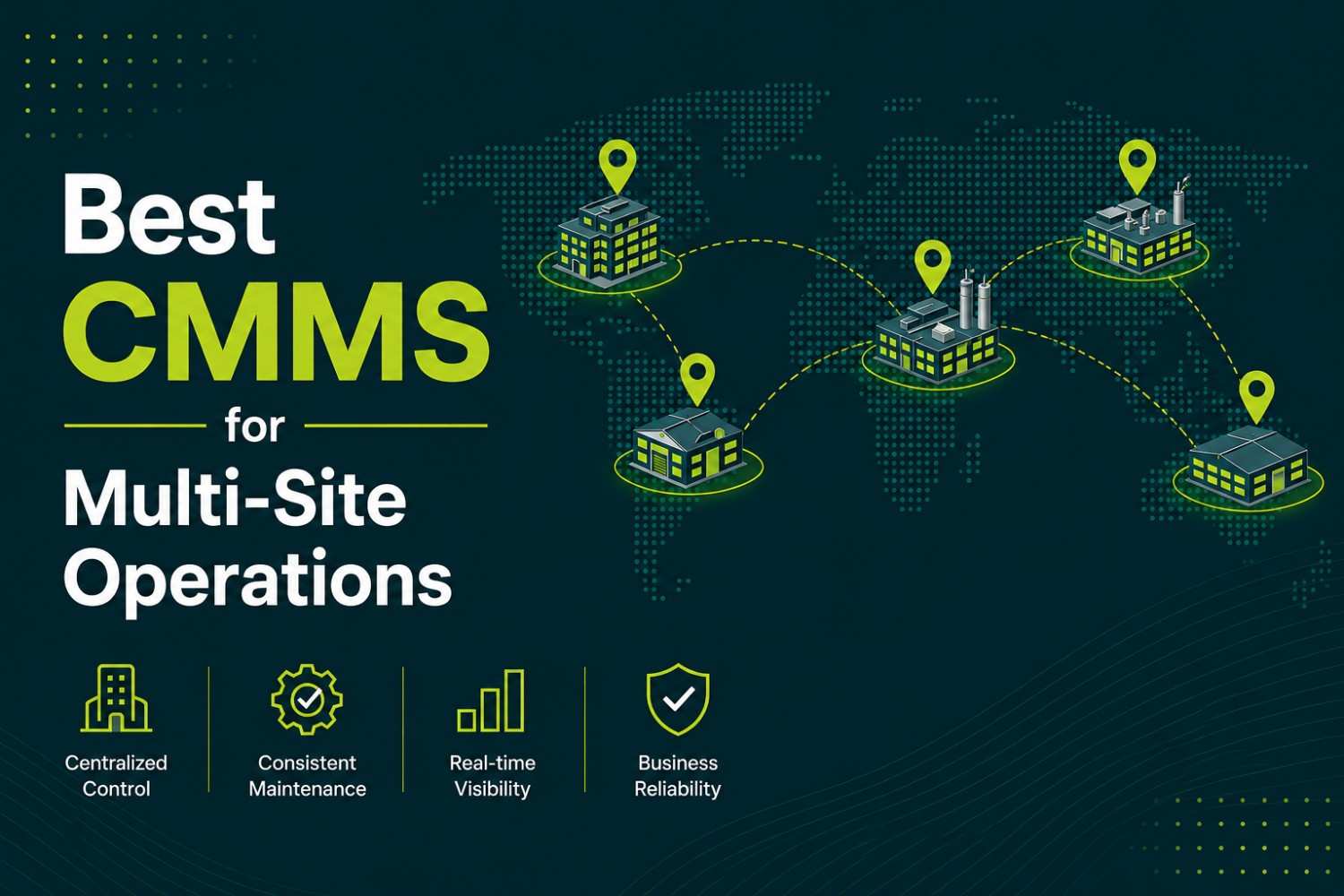
Running maintenance across one site and running it across ten are different problems, not the same problem at a bigger scale. A single-site CMMS just needs to track work orders and assets for one team. A multi-site CMMS has to do that and let corporate standardize PM templates without erasing legitimate site-to-site differences, roll individual site data up into portfolio-wide reporting without someone manually reassembling spreadsheets, and keep a shared asset hierarchy so a "pump" at Plant A and a "pump" at Plant B are comparable in a report instead of two unrelated records.
Several platforms in this category get to "usable across multiple locations" without actually getting to "built for multi-site", the giveaway is usually multi-site dashboards or portfolio reporting that only appear once you're on the top pricing tier, or an asset hierarchy that technically nests but flattens out once a portfolio gets complex. This roundup compares five CMMS platforms specifically on multi-site depth: shared hierarchy, rollup reporting, cross-site standardization, and where each one's multi-site ceiling actually sits.
We lead with Opmaint because the sharpest version of the multi-site problem we can speak to directly is a multi-plant food & beverage operator trying to keep HACCP-style compliance consistent across every location, then cover the tools that are the stronger pick once that specific compliance angle isn't the deciding factor.
What "Multi-Site" Actually Needs to Mean in a CMMS
How We Evaluated These Tools for Multi-Site Operations
We also factored in G2 and Capterra ratings and review themes as external validation, with particular attention to what reviewers say specifically about scaling across locations, not just single-site satisfaction.
Comparison at a Glance
| Tool | G2 Rating | Best For | Standout Strength | Starting Price |
|---|---|---|---|---|
| Opmaint | Listed on Capterra | Multi-plant food & beverage compliance | HACCP consistency + 6-language interface across plants | Free. $39/user/month Premium |
| MaintainX | 4.8/5, 1,400+ reviews | Large, complex multi-site portfolios | #1 in G2's Enterprise CMMS category; consolidated + per-site reporting | Free. $20 to 65/user/month |
| Fiix | 4.6/5, 476 reviews | Global multi-site with local time zones/languages | Native per-site time zone, currency, and language settings | $45 to 75/user/month |
| Limble | 4.8/5, 678 reviews | Small-to-mid multi-site footprints | Best-in-class support through rollout across new sites | From $28/user/month |
| UpKeep | 4.5/5, 1,094 reviews | Budget-conscious teams starting multi-site | Low entry cost with a clear upgrade path as sites are added | From $20/user/month |
1. Opmaint: Best for Multi-Plant Food & Beverage Compliance
We build Opmaint, so here's the honest version: for a multi-site portfolio without a food-safety compliance driver, MaintainX or Fiix will serve better on general multi-site depth. Opmaint's multi-site wedge is specific, a food & beverage manufacturer running three, five, or a dozen plants needs every plant executing the same HACCP-style documentation the same way, not each site manager interpreting compliance procedure locally. Opmaint's PM-to-compliance workflow is standardized at the template level and applied consistently across every site in the account, with the completed record and its documentation living in one system regardless of which plant generated it. The interface ships in six languages, which matters directly for multi-plant operators running multilingual production floors across different regions, and most individual sites go live in 2 to 4 days.
Compare Opmaint vs MaintainX, or book a demo.
2. MaintainX: Best for Large, Complex Multi-Site Portfolios
MaintainX has pushed deliberately upmarket since its 2022 Series C, adding multi-site dashboards, purchasing workflows, and an analytics module aimed squarely at larger enterprise buyers, and G2 has recognized it as the #1 Enterprise CMMS for multiple consecutive quarters. Reviewers managing multi-location operations specifically call out being able to track, assign, and follow up on maintenance tasks across sites in real time, with corporate-level standardization that doesn't slow individual site teams down.
The honest limitation: G2 reviews from organizations managing hundreds of assets across many locations consistently describe filtering and bulk-scheduling tools straining at that volume, and MaintainX's asset hierarchy supports parent-child structure in principle but flattens out once a portfolio's structure gets genuinely complex, rolling sub-asset KPIs up to a parent isn't always clean.
3. Fiix: Best for Global Multi-Site With Local Time Zones and Languages
Fiix, under Rockwell Automation, is built with genuine per-site localization: managers can organize users, assets, inventory, and tasks by location, set each site to its own time zone and currency, and work in different languages locally while still triggering and tracking work centrally. Combined with configurable parent-child asset hierarchy, this makes Fiix a strong fit for a portfolio that spans multiple countries or regions, not just multiple buildings in one time zone.
The tradeoff is the same one that shows up across Fiix's other use cases: the depth costs more ($45 to 75 per user per month), technician adoption on the shop floor lags behind mobile-first competitors according to reviewers, and getting real value out of the hierarchy requires disciplined asset-naming conventions from the start.
4. Limble: Best for Small-to-Mid Multi-Site Footprints
Limble holds the highest support satisfaction in this comparison, G2 reviewers consistently single out fast, knowledgeable customer support, and Premium+/Enterprise customers get a dedicated customer success manager specifically for onboarding, which meaningfully de-risks bringing a new site online without in-house CMMS expertise.
The honest limitation: G2 reviewers specifically flag what they describe as "multi-location gating," and Limble's own pricing guidance recommends budgeting for at least one tier upgrade once a program needs multi-site analytics, deeper integrations, or complex purchasing workflows, the entry-level price doesn't reflect what a growing multi-site rollout will actually cost.
5. UpKeep: Best for Budget-Conscious Teams Starting Multi-Site
UpKeep's $20-per-user-per-month Essential tier is a reasonable entry point for a team digitizing work orders and getting off spreadsheets, and G2 reviewer demographics show mid-market organizations gravitating toward UpKeep's Premium and Professional tiers specifically for multi-site management once they need it, which suggests the upgrade path is a normal part of adoption rather than a red flag.
The honest limitation, stated directly by reviewers: multi-site management, IoT-driven condition monitoring, and advanced analytics are gated behind Enterprise pricing or separate UpKeep products, so a team should plan for that cost before committing to the entry price if a multi-site rollout is already on the roadmap.
What to Look for When Choosing a CMMS for Multi-Site Operations
Running Multi-Site Food & Beverage Manufacturing?
If your multi-site requirement is specifically food-safety compliance across plants, see our deeper breakdown in Best CMMS for Food Manufacturing, which weighs HACCP and FSMA-specific requirements plant by plant.
Standardize compliance across every plant
Opmaint applies the same HACCP-style PM template to every site in the account, at $39/user/month.
Why Multi-Plant Food & Beverage Manufacturers Standardize on Opmaint
Most CMMS platforms treat multi-site support as a reporting layer bolted onto a single-site product, every plant technically shares an account, but compliance procedure still varies by whoever set up that plant's instance. Opmaint standardizes the PM-to-compliance workflow at the template level, so a completed PM task generates the same HACCP-style documentation whether it happened at the flagship plant or the newest one, in a six-language interface, at $39 per user per month.
See how Food and Beverage manufacturing teams use Opmaint to standardize compliance across plants. Read CMMS ROI to build the business case for a multi-site rollout.
Ready to standardize compliance across your plants?
Most individual sites are operational within 3 days. Consistent HACCP-style PM templates across every location.
Book a Demo →