Limble CMMS Review 2026: Honest Pros, Cons, and Alternatives

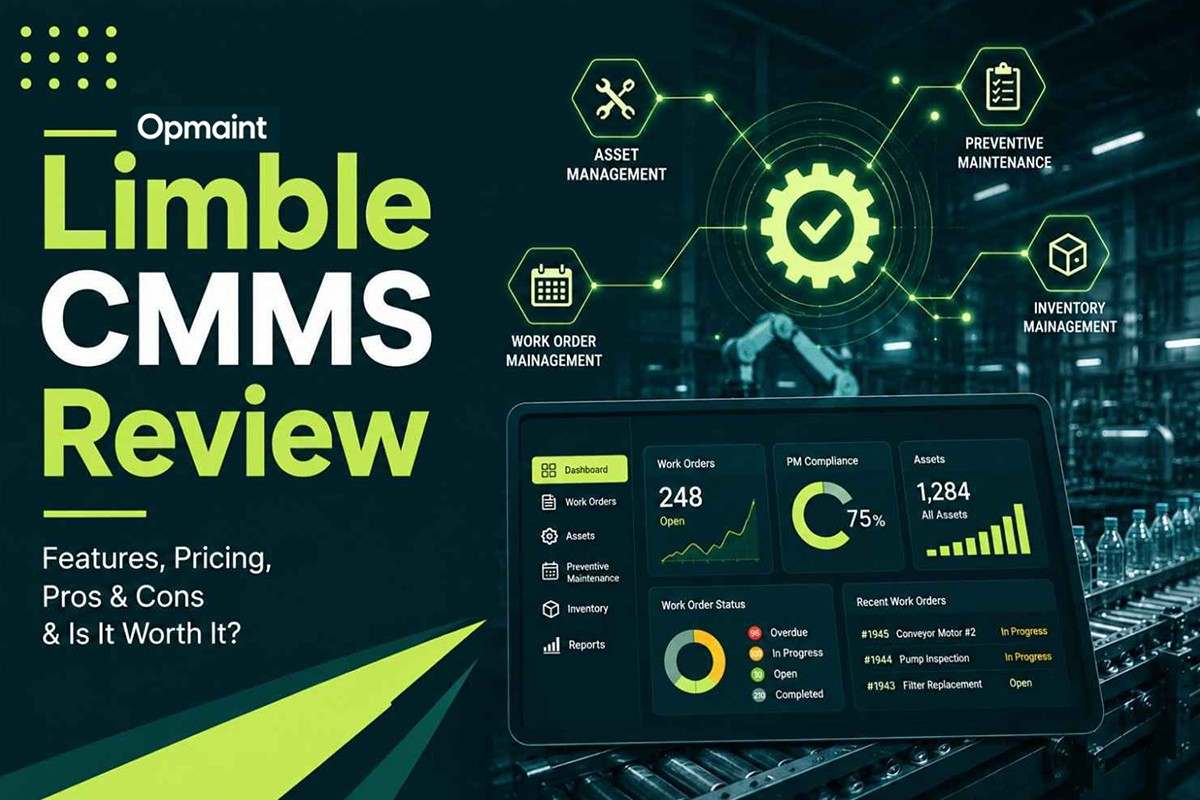
Limble CMMS has built one of the strongest reputations in the maintenance software category, and the review data backs it up. We dug into its feature set, pricing structure, and where independent reviews say it genuinely runs into limits. Here's what we found.
Verified Ratings (as of mid-2026)
Limble earns its reputation. It holds 40+ G2 Winter 2026 awards, including Easiest To Do Business With and Best Usability, and is used by over 50,000 maintenance professionals at companies including Nike, Sony, Mitsubishi, and General Mills. The praise is remarkably consistent across sources: ease of use, fast implementation, and customer support that reviewers single out more than almost any other CMMS in the category. The honest limitation, also consistent across sources, is reporting depth: Limble is more "configurable" than deeply customizable, and mature maintenance programs report hitting that ceiling.
What Is Limble CMMS?
Limble was founded in 2015 in American Fork, Utah, by Bryan Christiansen, built explicitly to replace spreadsheet-based maintenance management for asset-heavy teams who found legacy CMMS platforms too complex and too slow to deploy. That founding thesis shows up directly in the product: the interface is built around getting a technician creating a work order about as easily as posting to social media, in the words of one G2 reviewer.
The core platform covers work orders, preventive maintenance, asset management with parent-child hierarchy support, spare parts inventory, and reporting/dashboards, with ERP and IoT sensor integrations available at higher tiers. Limble supports a notably broad language list including Arabic, Chinese, Dutch, French, German, Hebrew, Italian, Portuguese, Spanish, Swedish, Russian, Turkish, and Thai, reflecting a genuinely global customer base across manufacturing, facility management, food and beverage, energy, hospitality, healthcare, and education.
Core Features of Limble CMMS
Limble: Pros vs. Cons
This table draws from verified G2, Capterra, and third-party review data. The third column reflects what the same buyer category would find in Opmaint.
| What Limble Does Well | Where It Falls Short | How Opmaint Compares |
|---|---|---|
| Best-in-class ease of use, 91% five-star reviews on G2 | Reporting lacks depth for mature programs; missing basic report types by reviewer accounts | Ships pre-built compliance and PM-compliance dashboards as part of the core plan, not a later add-on |
| Fast implementation, most teams live in 2 to 4 weeks | Initial setup itself is described as more involved than expected | Typical onboarding runs 2 to 4 days, including compliance and inspection configuration |
| Exceptional, unusually responsive customer support | Dedicated CSM support is reserved for Premium+ and Enterprise tiers | Support access isn't gated by tier in the core Premium plan |
| Parent-child asset hierarchy for complex machine assemblies | Bulk PM scheduling across multiple locations isn't supported | Targets single-site and modest multi-site F&B / manufacturing operations where this gap matters less |
| Broad language support (13+ languages) for a global customer base | Indian regional languages (Hindi, Tamil, Gujarati) aren't on the list | Ships natively in six languages including Hindi, Tamil and Gujarati for Indian production floors |
| Genuinely configurable work orders, assets and fields | "Configurable," not deeply customizable; QR code and PO customization flagged as restrictive | Ships configurable HACCP-style compliance fields as a core capability, not a workaround |
| Free trial and free plan available for evaluation | Pricing is not published; buyers are routed to a sales calculator | Publishes pricing directly: free plan, then $39/user/month for Premium |
Limble CMMS Pricing (2026)
Limble does not publish exact per-user rates on its pricing page. It routes buyers to a calculator instead, which is itself one of the most consistent buyer complaints across review sources. Based on third-party pricing trackers and community-reported cost data:
| Tier | Estimated Price | What It Includes |
|---|---|---|
| Starter | ~$28 to 35/user/mo | Work orders, basic PM scheduling, asset management; typically capped at 250 to 500 assets (billed annually, 2-user minimum) |
| Professional | ~$55 to 65/user/mo | Removes or significantly raises the asset cap; adds custom reports, request portals, purchase orders, advanced PM triggers (billed annually) |
| Business Plus | ~$85 to 100/user/mo | Adds API access, advanced analytics, multi-site management, SSO, dedicated support |
| Enterprise | Custom quote | Volume discounts (reported around $70 to 90/user/month at scale), dedicated implementation, custom SLAs, enhanced data security |
The asset cap on the entry tier is worth flagging specifically: a facility with 400+ pieces of equipment will hit the Starter limit quickly and need to upgrade to Professional, which is a meaningful cost jump most buyers don't anticipate when they see Limble's low headline starting price.
Who Limble Is a Strong Fit For, and When It Starts to Feel Limited
- Are a mid-market manufacturer or facilities team new to CMMS software
- Value best-in-class ease of use and want technicians onboarded fast
- Want responsive, high-quality customer support during rollout
- Manage complex asset hierarchies with parent-child component relationships
- Are comfortable working through a sales calculator rather than published pricing
- Need genuinely global language coverage across 13+ languages
- Have a mature maintenance program that needs deep, self-serve custom reporting
- Need bulk PM scheduling across many locations at once
- Need dedicated CSM support without committing to Premium+ or Enterprise
- Operate in a global market needing Indian regional languages (Hindi, Tamil, Gujarati)
- Want transparent, published per-user pricing to budget without a sales call
- Need HACCP-style compliance documentation built in rather than configured from generic fields
Is Limble CMMS Really Right for Your Team?
Limble earns its reputation as one of the best-reviewed CMMS platforms on the market, and it's not close on ease of use, implementation speed, or support quality. The review data across G2, Capterra, and Gartner Peer Insights is remarkably consistent on all three. For a mid-market manufacturer or facilities team getting off spreadsheets or a legacy CMMS, it's a genuinely strong choice.
The honest limitation shows up in two places: reporting depth for programs that have matured past initial rollout, and pricing transparency, since Limble routes every buyer to a calculator rather than publishing rates. Neither is a dealbreaker for most buyers, but both are worth planning around rather than discovering after signing.
Need compliance and Indian-language support built in?
Opmaint publishes pricing, ships HACCP-style documentation in the core plan, and runs natively in six languages.
Why Opmaint Is Built for a Narrower, Different Wedge
Limble is a strong, broadly capable CMMS, and for many mid-market manufacturers it's a legitimately excellent choice. This isn't a "Limble is bad" pivot. Opmaint is built for a narrower segment: SMB manufacturers and food and beverage teams specifically, where HACCP-style compliance documentation and Indian regional language support (Hindi, Tamil, Gujarati, alongside English, Spanish, and German) are core requirements rather than something to configure from generic custom fields.
Where Limble's pricing requires a sales conversation to pin down, Opmaint publishes pricing directly: a free plan, then $39 per user per month for Premium, with compliance documentation and digital safety inspections included rather than gated behind a higher tier. We don't have Limble's 50,000-professional customer base or its 40+ G2 awards. For a mid-market manufacturer without a specific compliance or language requirement, Limble remains a genuinely strong pick. Opmaint is the better fit specifically when compliance documentation and Indian-market language support are the deciding factors.
Strong fit if you... want the most broadly proven, best-supported CMMS on the market and don't have a narrow compliance or language requirement: Limble. Need HACCP-style compliance documentation and Indian regional language support built in from day one: Opmaint.
See how Food and Beverage manufacturing teams use Opmaint for compliance documentation built in from day one, or how General Manufacturing teams manage preventive maintenance with transparent pricing. Explore Manufacturing CMMS Software to see the full feature set, or read our full list of Limble alternatives.
Ready to see if Opmaint fits your requirements better than Limble?
Most teams are operational within 4 days. Compliance documentation and six languages built in, with pricing published up front.
Book a Demo →