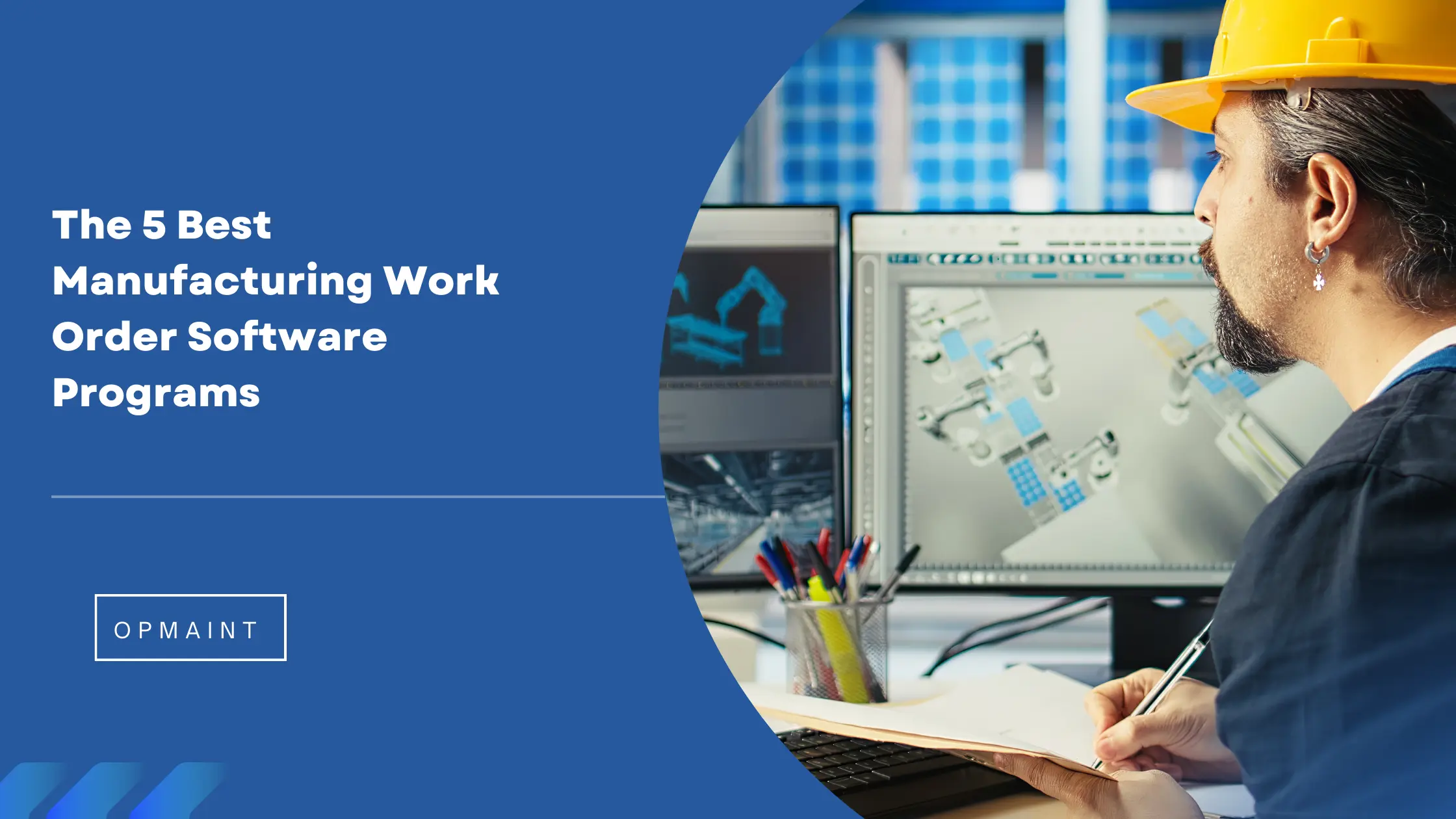
In the fast-paced world of manufacturing, efficiency is paramount. One of the key tools that can significantly enhance operational productivity is work order software. This technology streamlines the management of work orders, ensuring that tasks are completed on time and resources are utilized effectively. In this article, we will explore five of the best manufacturing work order software programs available today, highlighting their features, benefits, and how they can transform your operations.
Work order software is a digital solution designed to manage and track work orders within an organization. It allows businesses to create, assign, and monitor tasks, ensuring that maintenance and production processes run smoothly. This software is particularly beneficial in manufacturing settings where equipment uptime and efficient resource management are critical.
The manufacturing sector faces unique challenges, including equipment breakdowns, inventory management, and compliance with safety regulations. Work order software addresses these challenges by:
When selecting work order software, consider the following essential features:
A straightforward and intuitive interface is crucial for ensuring that all team members can easily navigate the software. This reduces the learning curve and encourages widespread adoption.
With many employees working in the field, mobile access to work order software allows technicians to manage tasks on-the-go, improving response times and flexibility.
The ability to integrate with existing systems, such as inventory management and ERP software, enhances the functionality of work order software and ensures seamless data flow across platforms.
Robust reporting features enable managers to analyze performance metrics, identify trends, and make data-driven decisions to optimize operations.
Every manufacturing operation is unique. Customizable workflows and templates allow businesses to tailor the software to their specific needs.
OpMaint is an emerging player in the work order software landscape, designed specifically for manufacturing operations. Its features include:
MaintainX stands out as a leading work order software solution, particularly for its user-friendly mobile interface. Designed as a native app, it offers a seamless experience for users in the field. Key features include:
Potential Drawbacks: While MaintainX excels in many areas, it currently lacks integrated GPS tracking for fleet management.
UpKeep is another robust option, known for its mobile-first approach. It allows users to manage work orders, track assets, and oversee maintenance schedules from their smartphones or tablets. Notable features include:
Potential Drawbacks: UpKeep's mobile version is a hybrid app, which may not perform as quickly as fully native applications.
Fiix is a cloud-based work order software that specializes in asset management and maintenance tracking. Its strengths include:
Potential Drawbacks: Some users have reported that the mobile app does not offer the same seamless experience as the desktop version.
With a long-standing presence in the market, eMaint offers a comprehensive suite of features for work order management. Key highlights include:
Potential Drawbacks: Users have noted that the interface can be challenging to navigate initially, requiring a steeper learning curve.
Potential Drawbacks: As a newer software, it may not yet have the extensive user base or community support of more established options.
By automating the work order process, manufacturers can significantly reduce the time spent on administrative tasks. This allows teams to focus on core activities, ultimately leading to higher productivity.
Efficient management of work orders can lead to reduced downtime and lower maintenance costs. By addressing issues proactively, organizations can avoid costly repairs and lost production time.
Digital work order systems minimize the risk of human error associated with manual processes. Accurate data entry ensures that all team members have access to the same information, improving decision-making.
With built-in reporting and documentation features, work order software helps organizations maintain compliance with industry regulations and standards. This is particularly important in sectors with strict safety and quality requirements.
Before selecting a work order software solution, conduct a thorough assessment of your organization's specific needs. Consider factors such as the size of your team, the complexity of your operations, and your budget.
Compare the features of different software options to determine which ones align with your operational goals. Look for solutions that offer the essential functionalities you require, such as mobile access, reporting capabilities, and integration options.
Most software providers offer free trials or demos. Take advantage of these opportunities to test the software and see how it fits into your workflow. Involve team members in the evaluation process to gather diverse perspectives.
Choose a solution that can grow with your organization. As your manufacturing operations expand, your work order software should be able to accommodate increased demands without requiring a complete overhaul.
Investing in work order software can revolutionize the way manufacturing organizations manage their operations. By streamlining processes, enhancing communication, and improving accountability, these tools can lead to significant gains in efficiency and cost savings. Whether you opt for OpMaint, MaintainX, UpKeep, Fiix, or eMaint each of these solutions offers unique features that can help your business thrive in a competitive landscape. Take the time to assess your needs and explore the options available to find the perfect fit for your organization.
Got a question? We’ve got answers. If you have any other questions, please contact us via our support center.
.webp)

.jpeg)
